
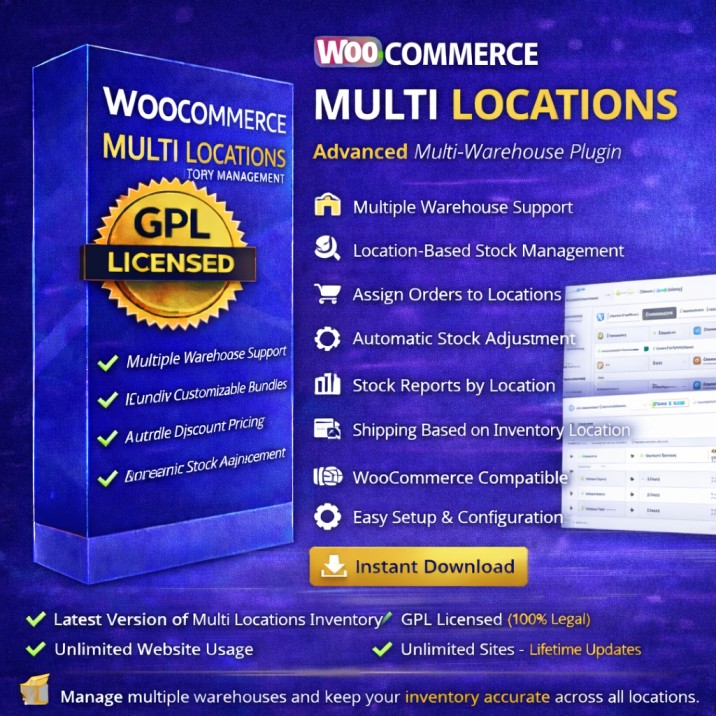
🚀 About Multi Locations Inventory Management
This plugin allows WooCommerce store owners to manage inventory across multiple locations or warehouses.
You can track stock per location, assign orders to specific warehouses, and manage product availability efficiently.
Perfect for:
-
Multi-branch businesses
-
Warehouse-based stores
-
Wholesale suppliers
-
Dropshipping stores
-
Large eCommerce businesses
⭐ Key Features
-
🏬 Multiple Warehouse Support
-
📦 Location-Based Stock Management
-
🛒 Assign Orders to Locations
-
🔄 Automatic Stock Adjustment
-
📊 Stock Reports by Location
-
🚚 Shipping Based on Inventory Location
-
📱 WooCommerce Compatible
-
⚡ Easy Setup & Configuration
💰 Why Use This Plugin?
Normal WooCommerce:
❌ Single stock location
With Multi Location Plugin:
✔ Manage multiple warehouses
✔ Accurate stock tracking
✔ Faster order fulfillment
✔ Reduced stock errors
🛒 Use Cases
-
Franchise business
-
City-wise warehouse stock
-
Distributor network
-
Wholesale inventory management
📦 What You’ll Get
-
✔️ Latest Version of Multi Locations Inventory Management (ZIP)
-
✔️ GPL Licensed (100% Legal)
-
✔️ Unlimited Website Usage
-
✔️ Instant Download
-
✔️ Lifetime Access
⚠️ Important Notes
-
❌ No License Key Included
-
❌ Automatic Updates Not Available
-
✅ Manual Updates Supported
-
✅ Fully Functional Plugin
🛠️ Installation Guide
-
Download ZIP file
-
Go to WordPress → Plugins → Add New
-
Upload ZIP → Install → Activate
-
Configure warehouses under WooCommerce settings
🔧 Compatibility
-
WordPress 5.8+
-
WooCommerce Compatible
-
PHP 7.4+




Reviews
There are no reviews yet.